How it works
Find a time in minutes,
not days.
No accounts. No back-and-forth. Just share your availability, see the overlap, and book it.
Create or join a room
Click Get startedon the homepage to create a room. You'll get a 6-letter code. Share the link or code with whoever you're scheduling with — they don't need an account.

Set your preferences & connect
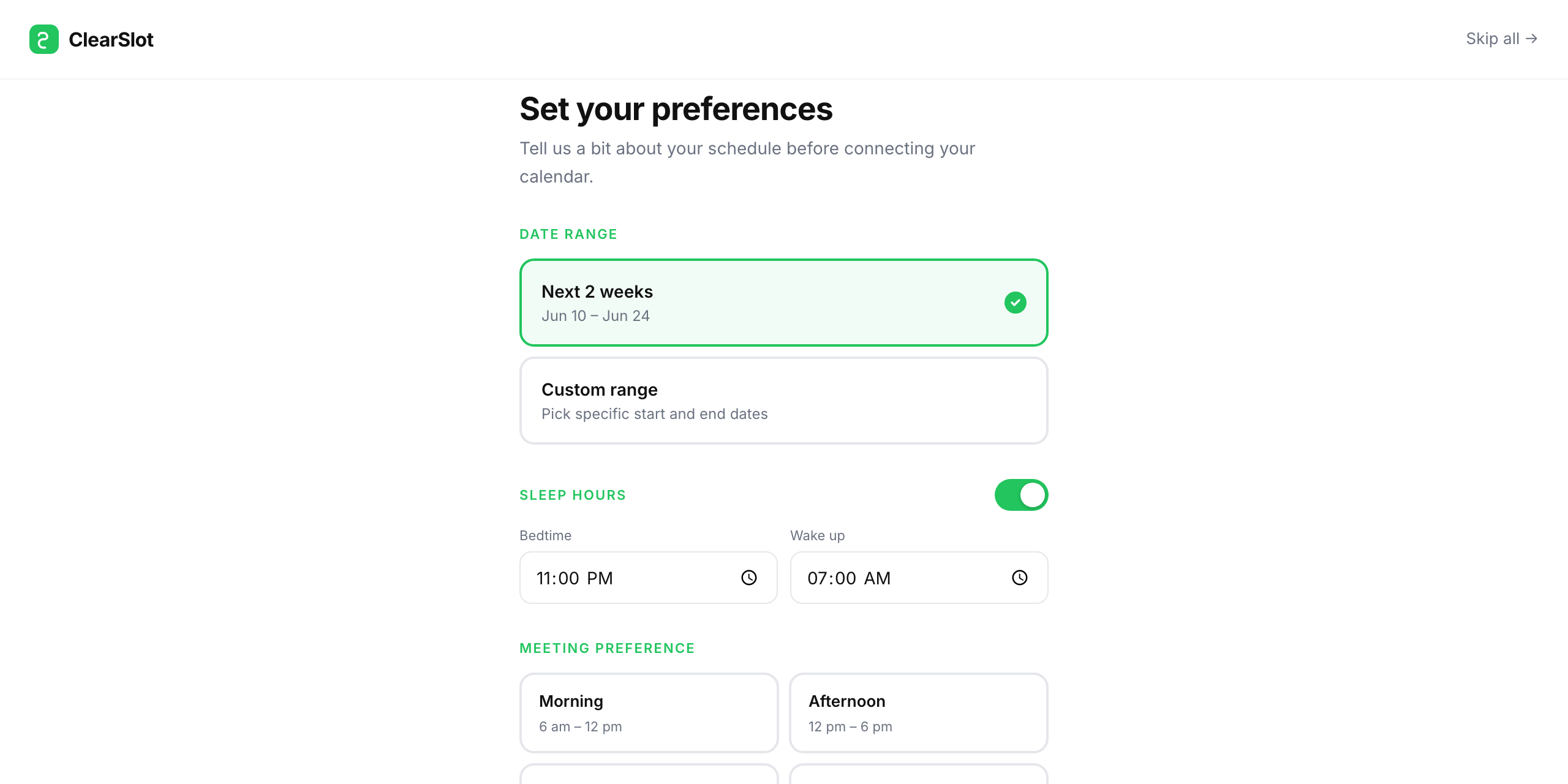
Pick your date range and working hours, then sign in with Google. ClearSlot reads only start and end times — no event titles, no attendees. Temporary availability blocks may be stored so your room can stay in sync.
See everyone's availability
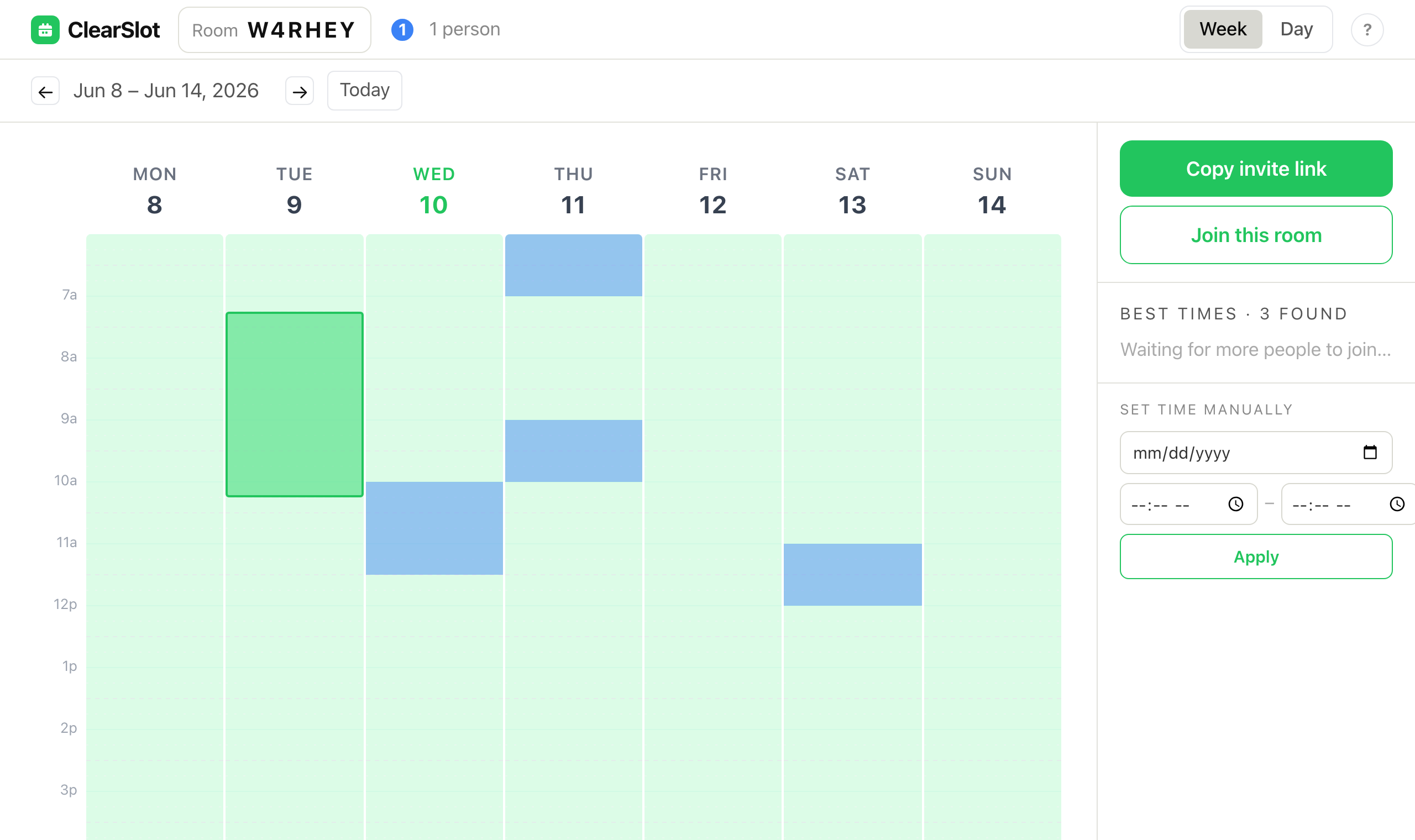
The room grid shows each person in their own color. Light green = everyone free. Darker colors = more people busy at that time.

Need help? Tap the ? button
A slide-in panel walks you through dragging to select a time, proposing it, and getting everyone to accept. The color legend is also there so you always know who's who.

Drag to propose, then accept
Click and drag on the grid to highlight a free slot. Hit Suggest this timein the side panel — everyone in the room sees the proposal and can accept it. Once accepted, tap Download .ics to add it to Google Calendar, Apple Calendar, Outlook, or any other calendar app.